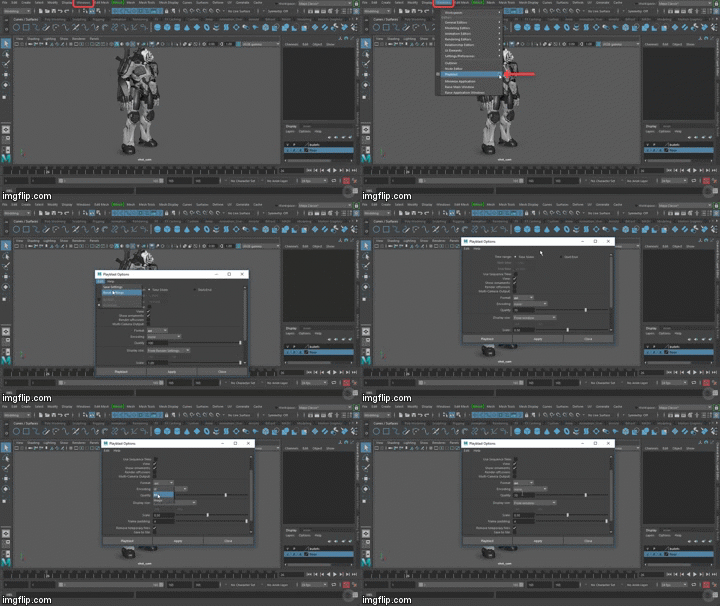
*go to this window > set the output to as high or low as you want, as well as the format > 'Save to File' > Browse and select where you want to save it > 'Save' > 'Apply'
*adjusting the key frames on the graph editor makes the UFO zoom around the corner, but you can change it to how you like Whoa! You can make it do tricks! Make a keyframe on frame 1, and move along the curve with Auto KeyFrame toggled on. Now when you stop it at certain points, turn it on its axis, it makes a new keyframe! it'll smooth it out into an animation :D


Comments
Post a Comment